
You hear a recitation in a TikTok, a YouTube short or at the mosque, and it stays with you. You want to know which Surah it is from, so you can read it, understand it and hear it again. This guide covers how to find the Surah and Ayah of any recitation, starting with the ways that need no tools at all, then the fastest way: letting a tool listen to it for you.
The tool in this guide is WhatSurah. It is made by the team behind miniapps.me, so read this knowing we have an interest in it. It is free, needs no account and shows no ads, and we have tried to be as plain about what it cannot do as about what it can.
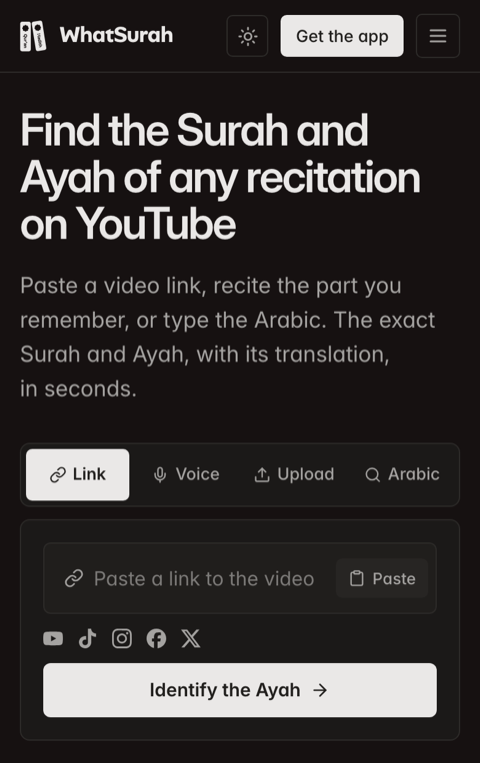
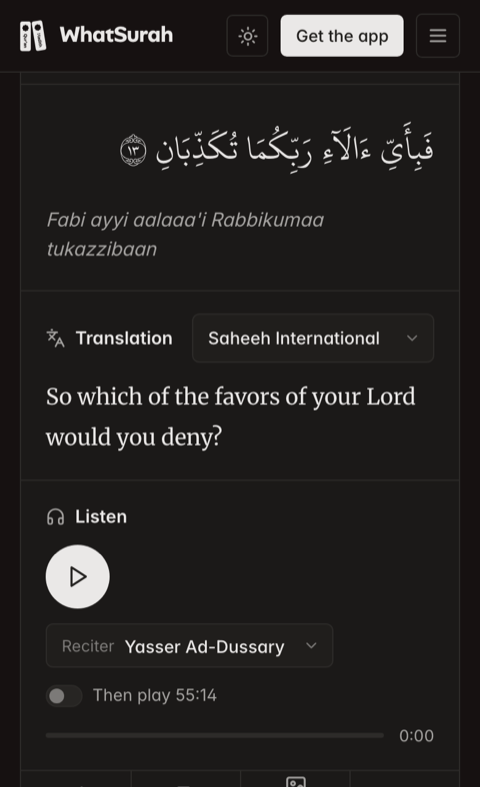
Paste a link, get the Ayah: here, Ar-Rahman 55:13.
Three ways to find which Surah a recitation is from
Search the words you remember. If you caught a phrase, type it into a Qur'an search such as quran.com. Arabic works best. A few words of the English meaning can work too, but translations differ, so the words you heard may not be the words the translator chose.
Ask someone. An imam, a teacher or a friend who has memorised the Qur'an will often know a famous passage on hearing it. Under a popular video, someone in the comments has usually named the Surah already, so scroll before you search.
Let a tool listen to it. When you cannot remember the words, or never knew them, a tool that listens is the quickest way. It hears the Arabic, matches it against the whole Qur'an and tells you exactly where it is. That is what WhatSurah does, on Telegram, on the web and on Android.
Find the Surah on Telegram with @WhatSurahBot
The bot is the quickest if Telegram is already open. It works on any phone and on Telegram for desktop.
- Open @WhatSurahBot and press Start.
- Send it one of these:
- a voice note of you reciting the part you remember, or of the video playing near your phone
- a link to the video on YouTube, TikTok, Instagram, Facebook or X
- a video or audio clip, forwarded or attached straight into the chat
- the Arabic words you remember
- a reference like
2:255, when you already know the Ayah and want to read it
- It replies with a card of the Ayah, the Surah name and number, how sure the match is, and the translation. Under it, Listen sends you the recitation as a voice note, and Share sends the card to any chat.
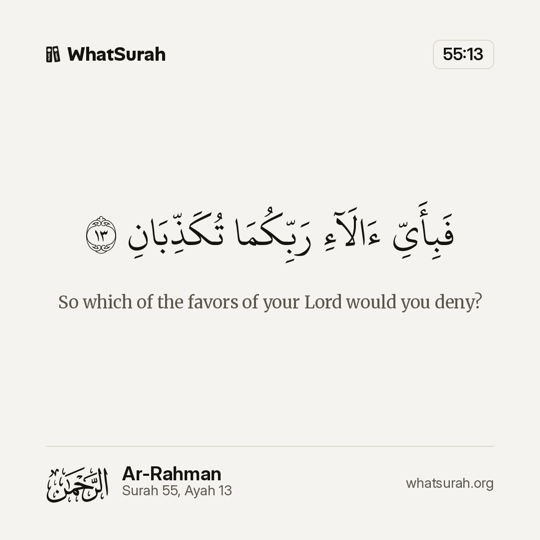
Ar-Rahman 55:13 97% match
So which of the favors of your Lord would you deny?
@WhatSurahBot
The card is the real one the bot sends. The match figure depends on the clip.
If you send Arabic words, the reply tells you how many times they appear, in how many Ayat and Surahs, and where the first and last ones are.
Find the Surah on the website
whatsurah.org does the same in any browser, including on an iPhone. There are four tabs above the box:
- Link. Paste the video's link and press Identify the Ayah.
- Voice. Tap the microphone, recite or play the part you remember, then tap stop. It stops by itself at 45 seconds.
- Upload. Choose a video or audio file, or drop it on the box. The sound is taken out of a video on your own device, so even a long video uploads in a moment.
- Arabic. Type or paste the Arabic words. You get every Ayah they appear in, and how many times.
If you only want to see how it works, the Try a sample button under the box plays ten seconds of a recitation and finds the Ayah for you.
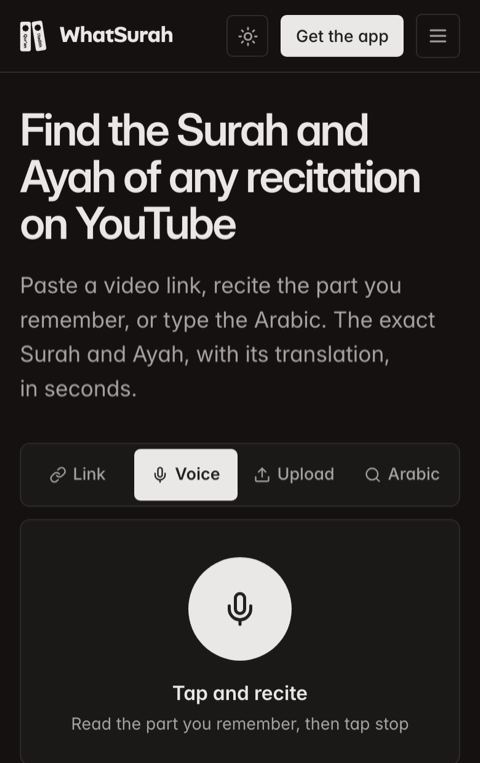
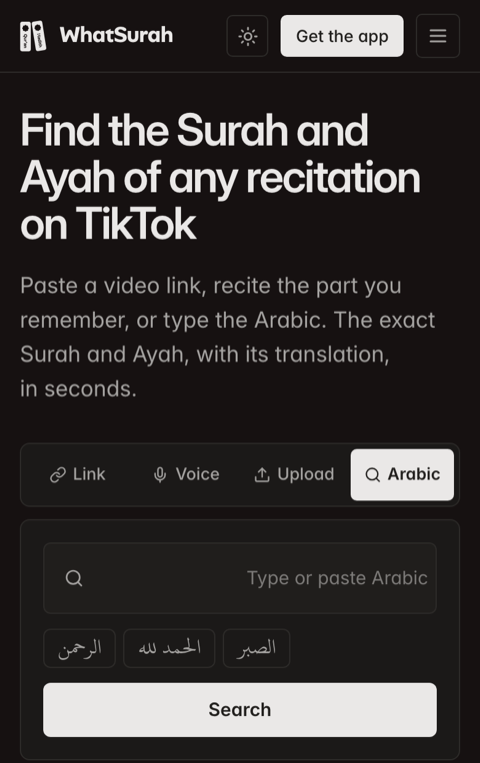
Voice and Arabic, two of the four ways in on the website.
Copying a video's link
Every site hides it behind its Share button:
| Site | Where the link is |
|---|---|
| YouTube | Share under the video, then Copy link |
| TikTok | The arrow on the right, then Copy link |
| The paper plane under the reel, then Copy link | |
| Share, then Copy link | |
| X | The share icon under the post, then Copy link |
Find the Surah with the Android app
WhatSurah for Android is free on Google Play, with no account and no ads. Its Identify screen finds the Ayah straight from the microphone, so you can play the video on a laptop, a TV or another phone and let it listen.
The app is also the answer when a link refuses to open. It listens to the recitation as you play it, so it does not need to fetch the video at all, and it keeps every Ayah you have found.
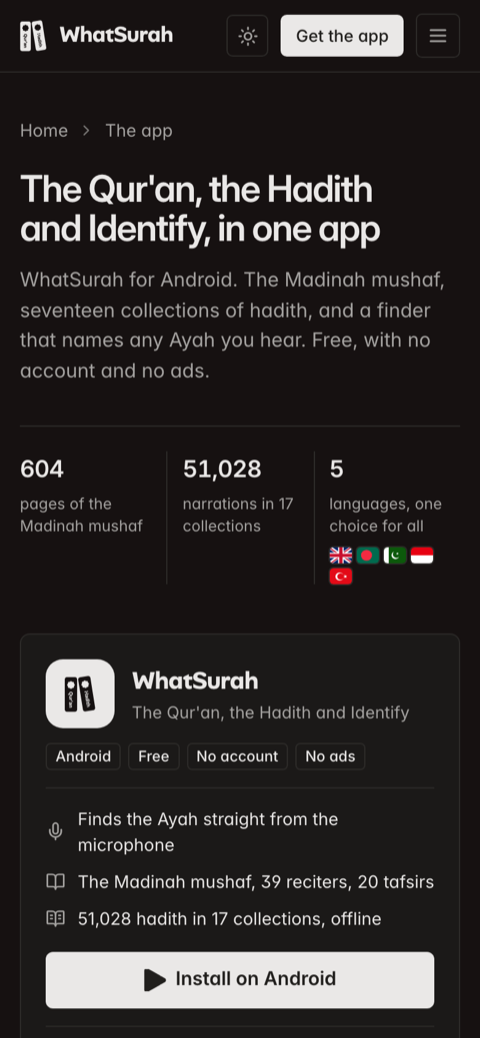
The app brings the Qur'an, the Hadith and Identify together.
Beyond finding an Ayah, it is a full Qur'an and Hadith reader:
- All 604 pages of the Madinah mushaf, set the way the printed mushaf sets them
- 39 reciters, Ayah by Ayah, with the text following along
- 20 tafsirs, with Ibn Kathir first
- 51,028 hadith in 17 collections, in Arabic and English
- English, Bengali, Urdu, Indonesian and Turkish, with one choice setting the translation, tafsir and hadith together
- The Qur'an and the six books of hadith work without a connection
Tips for finding the right Ayah
- Give it clear recitation. A few seconds is usually enough, but they need to be the reciter's voice. Music, a voice-over or a noisy room makes the words harder to hear.
- Use a longer part when you can. Many phrases occur in more than one place in the Qur'an. A longer stretch of recitation narrows it down to one.
- Paste the link rather than screen-recording. The link gives the original sound. A screen recording picked up by a microphone adds the room to it.
- Start at the recitation. For a link, WhatSurah fetches the opening 45 seconds of the video. If the recitation begins after a long intro or a talk, play the video from where it starts and use Voice.
- Type what you remember. Even two or three Arabic words can be enough. A phrase that appears only once takes you straight to its Ayah.
What you get back
A match gives you the Surah, its name and meaning, and the Ayah number. On the website each Ayah has its own page, for example Ar-Rahman 55:13, with:
- The Arabic, and a transliteration under it
- A translation, with Saheeh International, Pickthall, Yusuf Ali, Hilali and Khan, Bengali, Urdu, Indonesian, Turkish and French to choose from
- The recitation, in seven reciters including Mishary Alafasy, Mahmoud Al-Husary and Abdul Basit
- Where the Ayah sits: its Juz and its page in the Madinah mushaf
- The tafsir of Ibn Kathir under it
- Ways to share it: copy the text, save it as an image, or embed it on your own site
Some Ayat repeat word for word. Ar-Rahman 55:13, the Ayah in the pictures above, is one of them: it returns 31 times in that Surah. When the words alone cannot say which one you heard, the bot tells you how many times the Ayah appears and shows the first. Read the Ayat around it to find your place.
More from WhatSurah
Finding an Ayah is the main job, but the website has grown into more than that.
- Hadith. 51,028 narrations in 17 collections, from Sahih al-Bukhari and Sahih Muslim to the Forty of an-Nawawi. Each is in Arabic and English, with its chain of narrators and, where the collection gives one, its grading: sahih, hasan or daif. You can also read by topic or by narrator.
- Prayer times. Fajr, Dhuhr, Asr, Maghrib and Isha for 219,988 towns and cities in 245 countries, with Sehri and Iftar and the month's timetable. It uses 23 calculation methods, following the method mosques in each country use.
- Recite it back. Pick a short Surah or a famous Ayah, listen to Al-Afasy read it, then recite it yourself and see it checked word by word.
- Telegram channels. @HadithDaily posts one narration each morning in Arabic and English, @ArabicWordDaily teaches one Arabic word a day, and @WhatSurahCommunity is the place to ask questions.
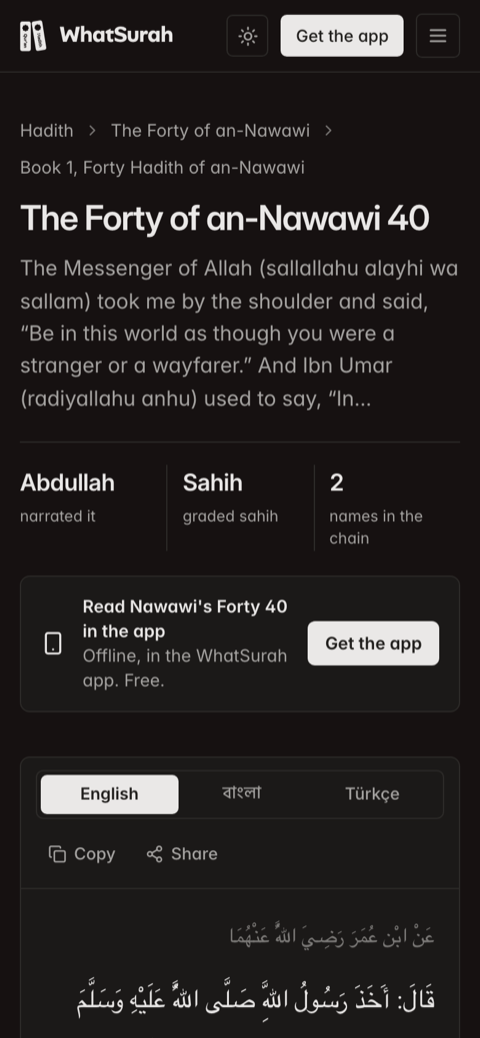
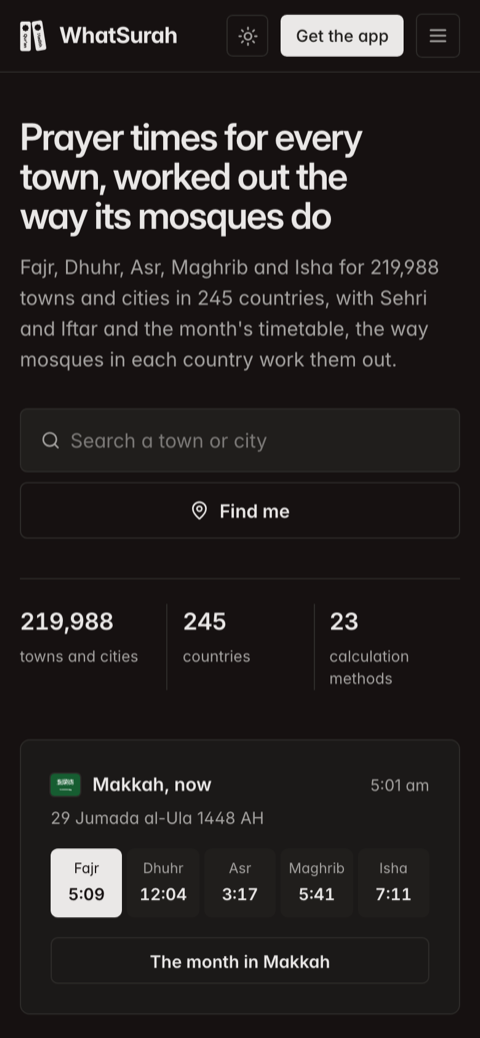
A narration from the Forty of an-Nawawi, and prayer times for Makkah.
What WhatSurah does not do
- It cannot fetch every video. Private, age-limited and some blocked videos cannot be downloaded. Play them out loud and use Voice, or use the app.
- It needs to hear the words. A very short clip, heavy background music, a nasheed with instruments, or someone talking over the recitation may not match. When it is not sure, it says so and shows the closest Ayah rather than guessing.
- It only looks at the start of a link. The first 45 seconds of a video are fetched. A recitation that starts later needs Voice.
- It finds the Qur'an, not other Arabic. A dua, a hadith or a nasheed is not in the 6,236 Ayat it searches, so it cannot name them.
- It matches the standard Hafs text. A recitation in another qira'ah, such as Warsh, can differ in places and may match less well.
- There is no iPhone app yet. On an iPhone, use the website or the Telegram bot.
- It is not a teacher. It tells you where an Ayah is. For its meaning, the translation and tafsir are a place to start, and a qualified teacher or scholar is the place for questions about it.
The short version
To find which Surah a recitation is from, copy the video's link and paste it into whatsurah.org, or send it to @WhatSurahBot on Telegram. If the link will not open, play it out loud and use Voice, or let the Android app listen. If you remember a few Arabic words, type them. You get the Surah and Ayah, the Arabic, a translation and the recitation, free and with no account.
See the WhatSurah page in our directory for every link in one place.